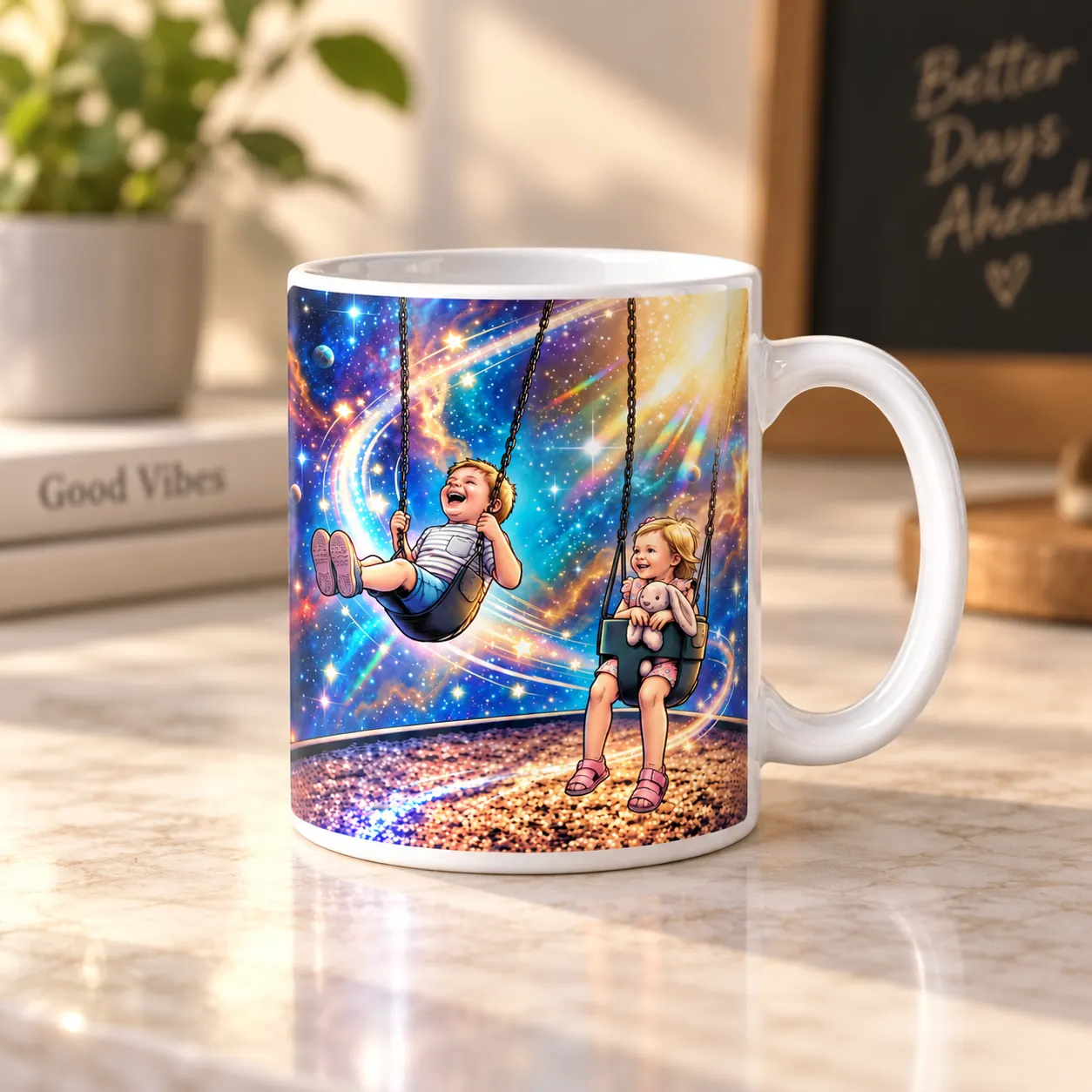
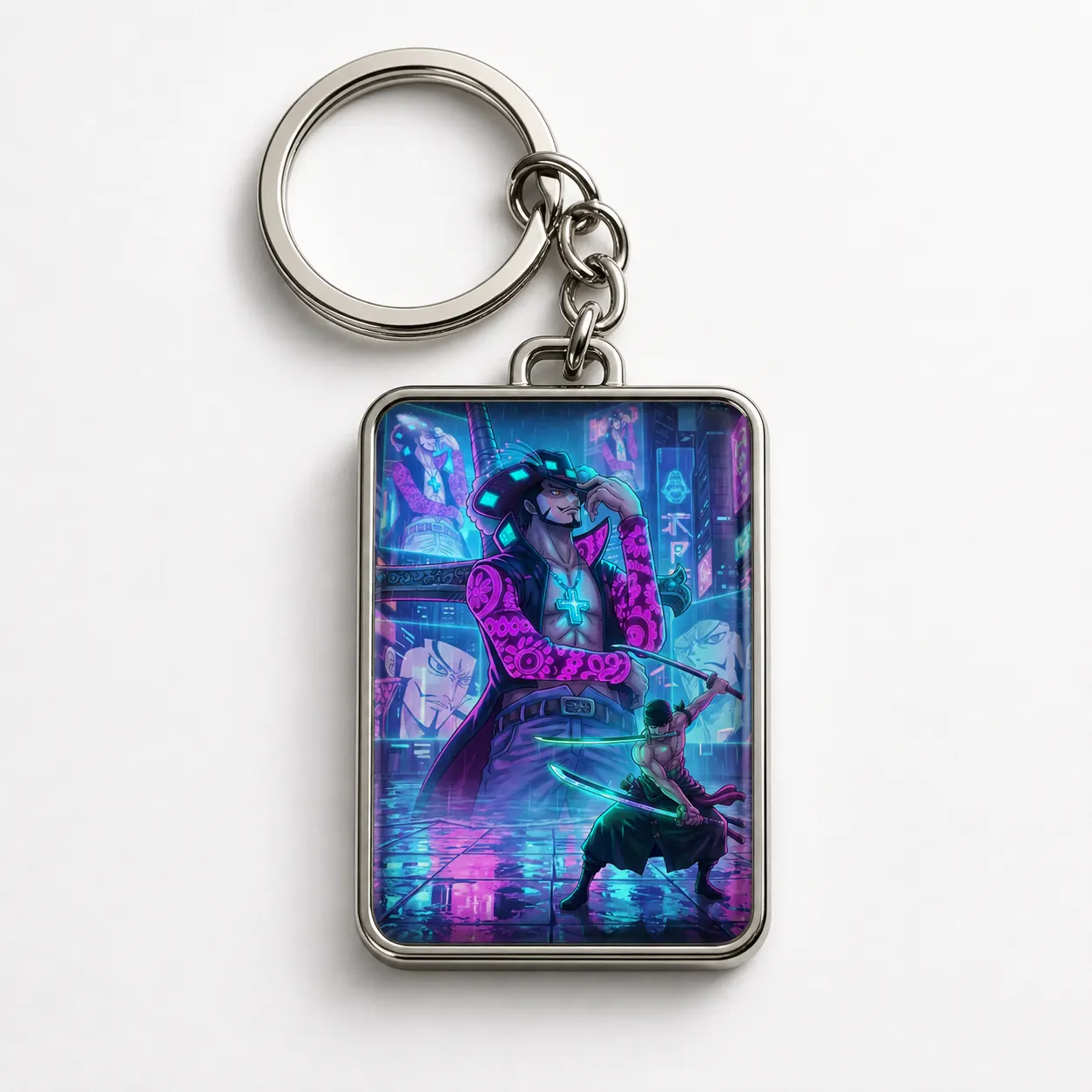
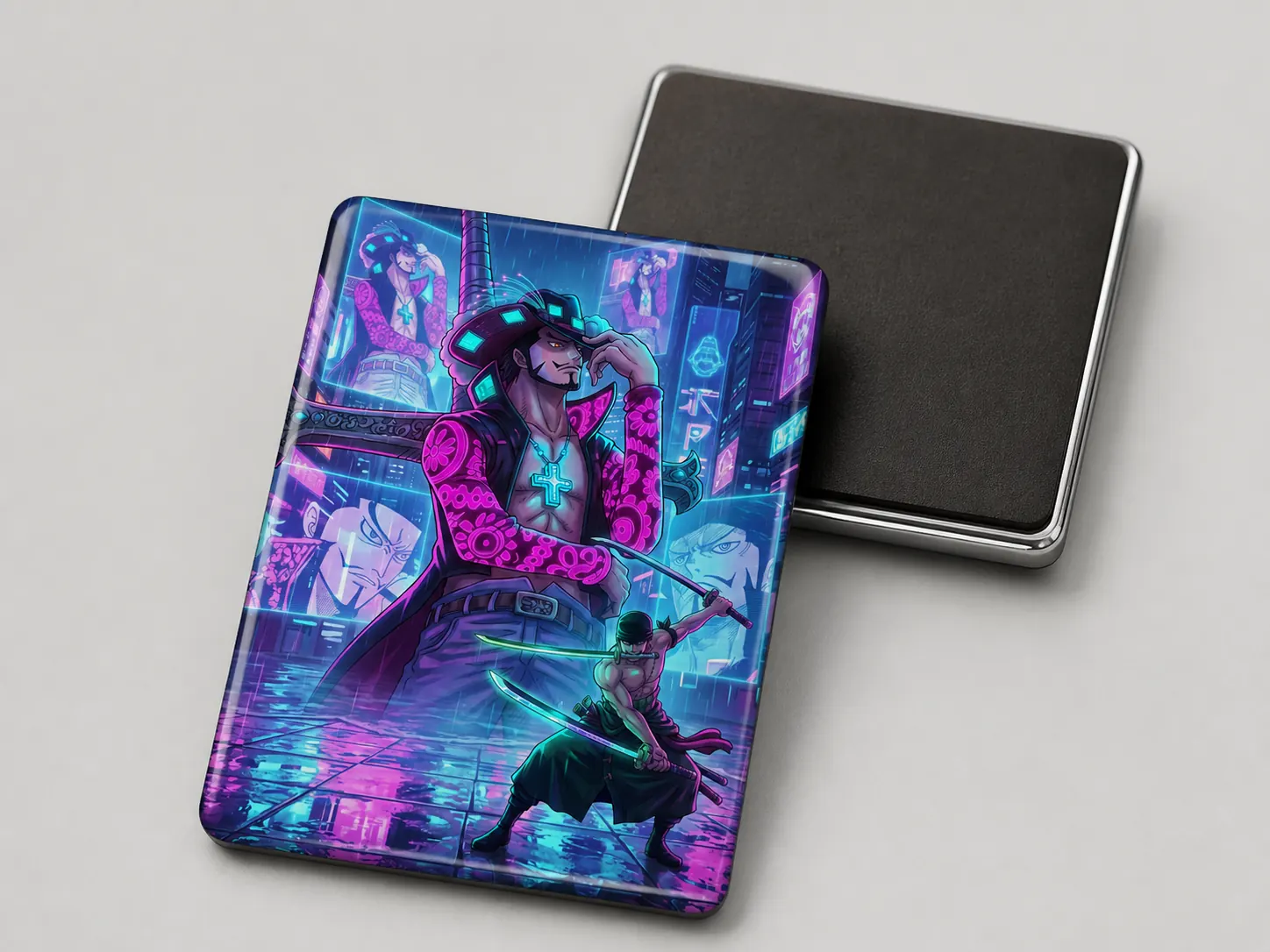
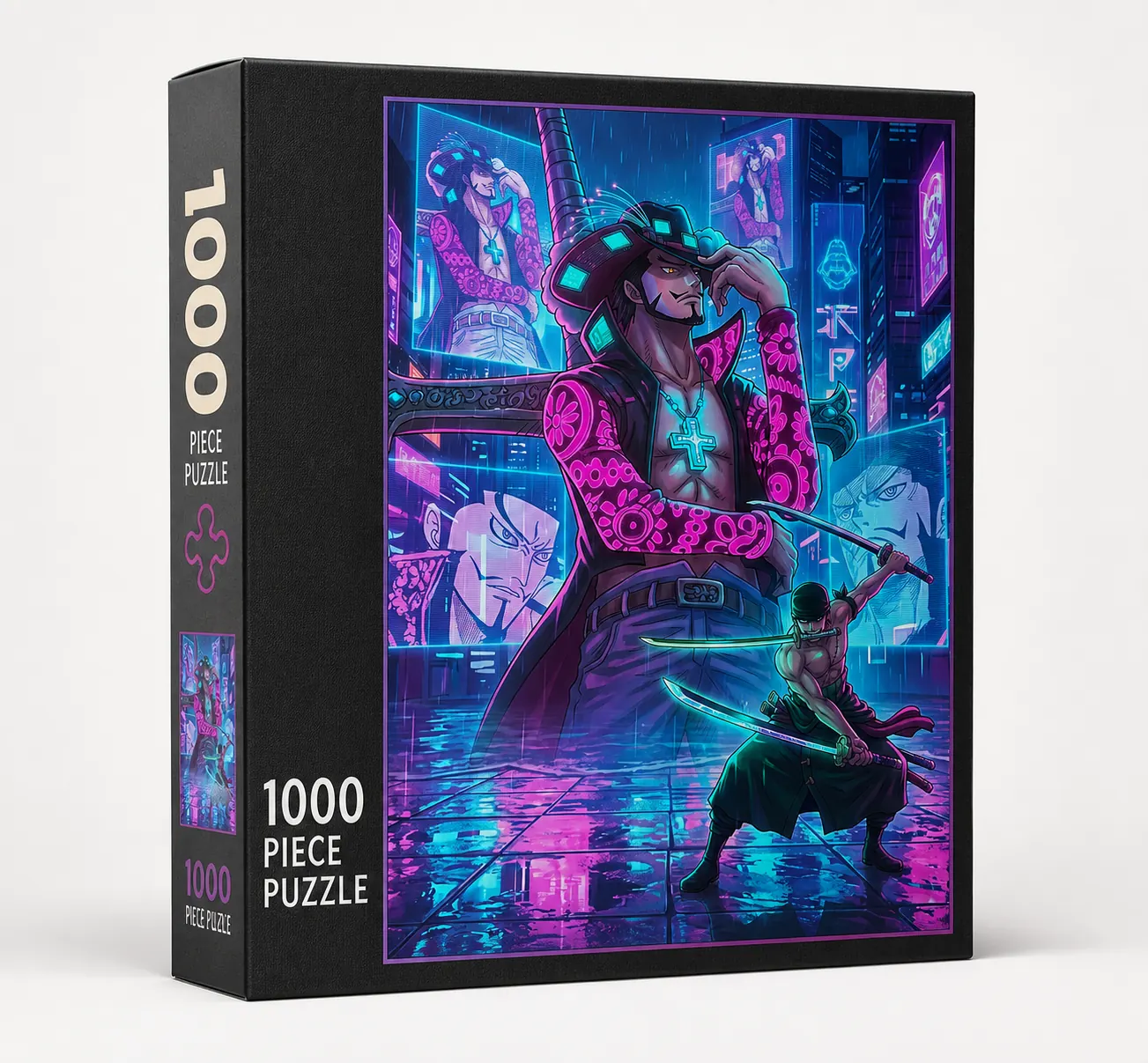
Choose a photo setup
Choose how you want your photos transformed into card artwork.
What you'll provideSelect a photo setup to see what to upload.
Try thisWe'll guide you through the uploads in the next steps.
Try it free, then create an account to keep your cards.
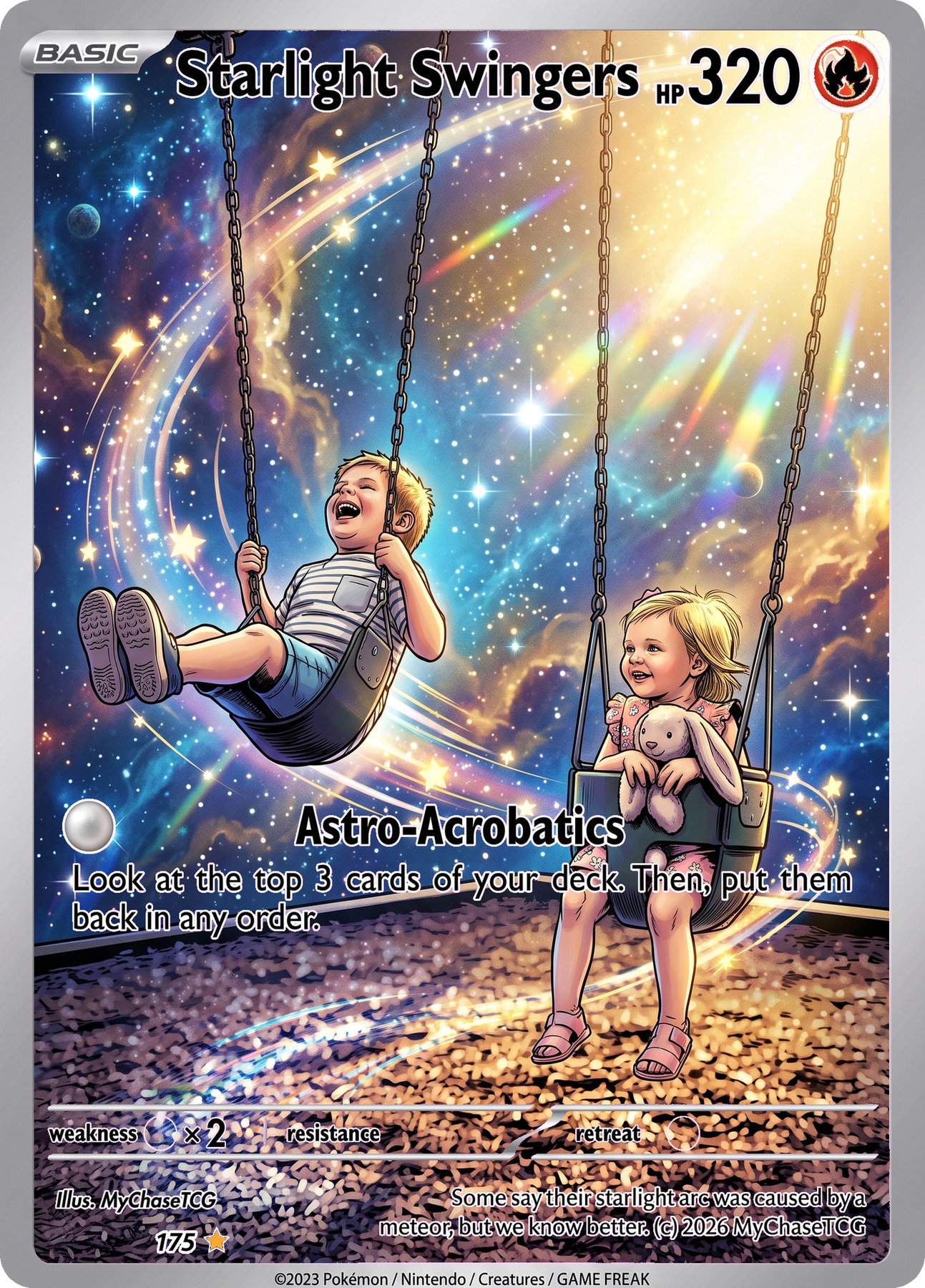
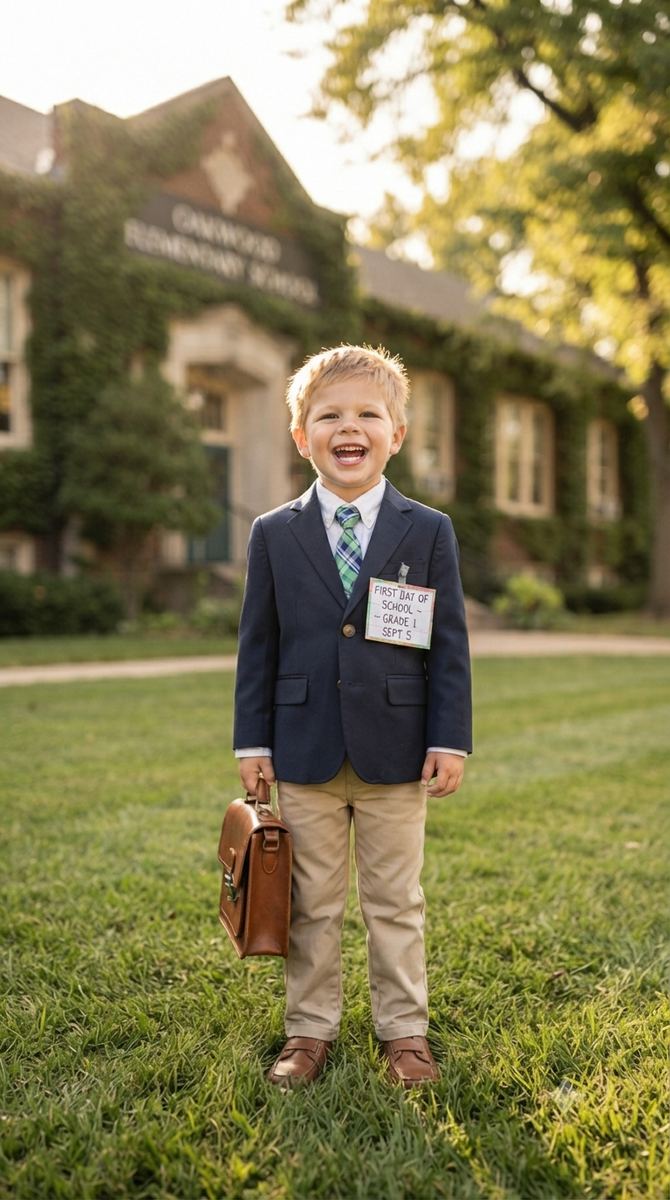
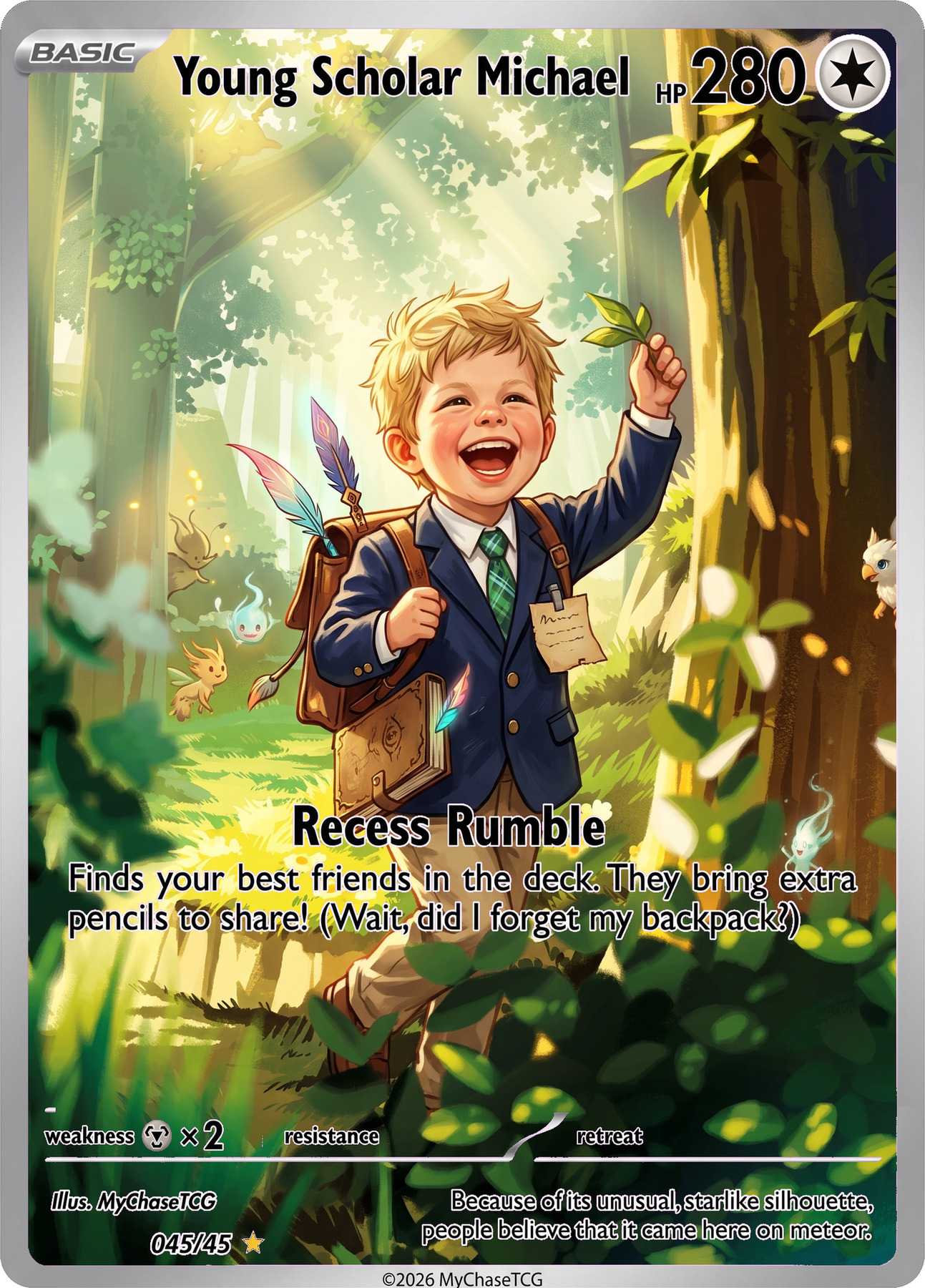
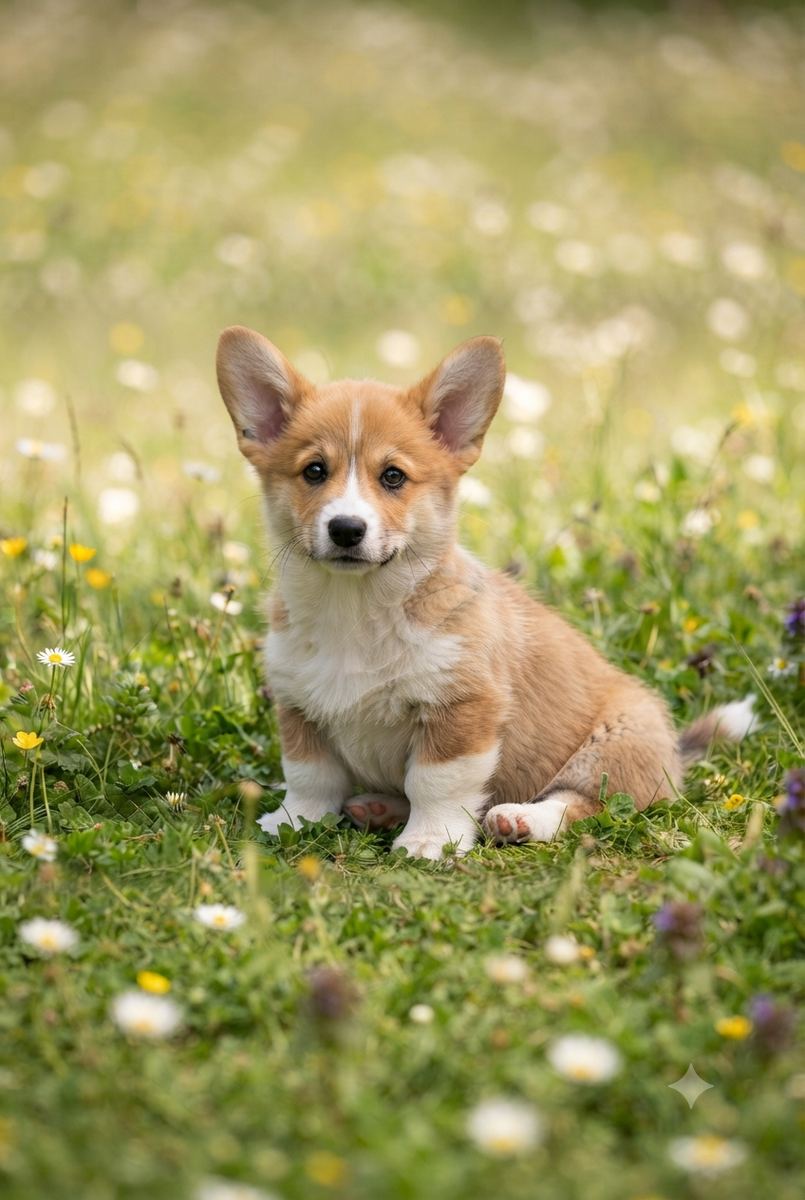
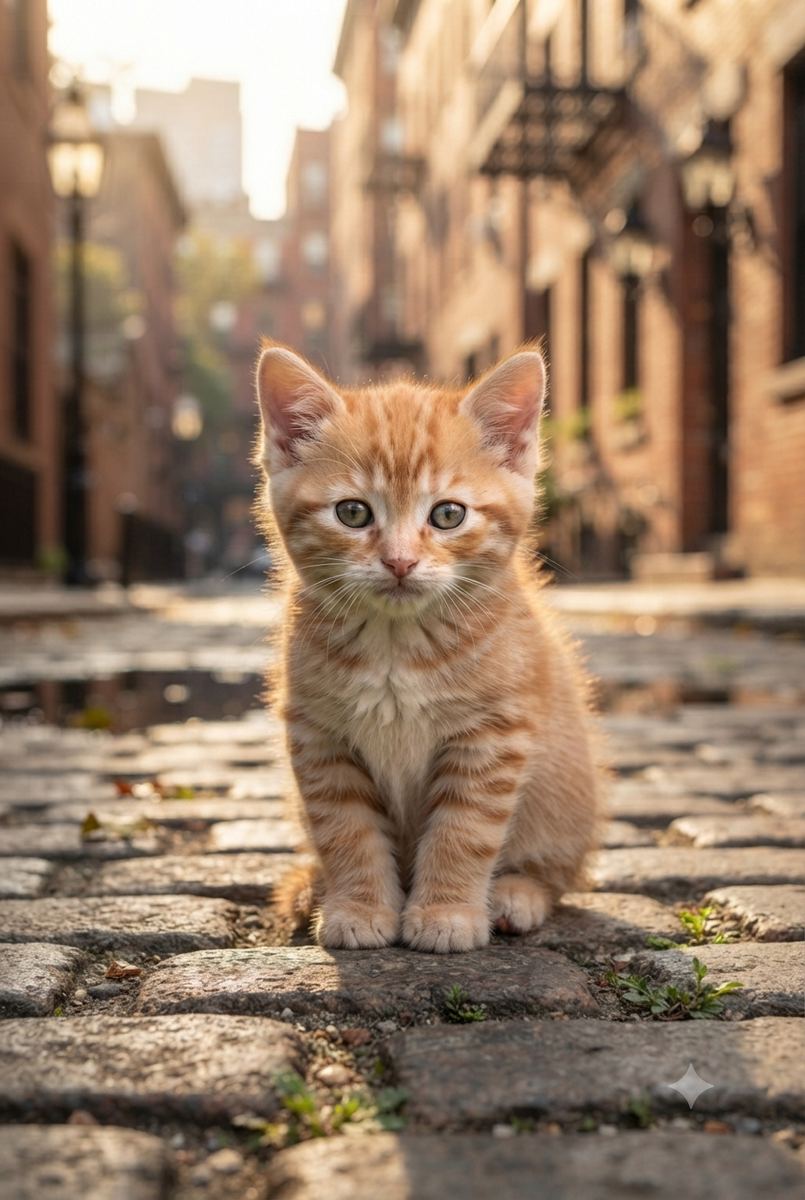
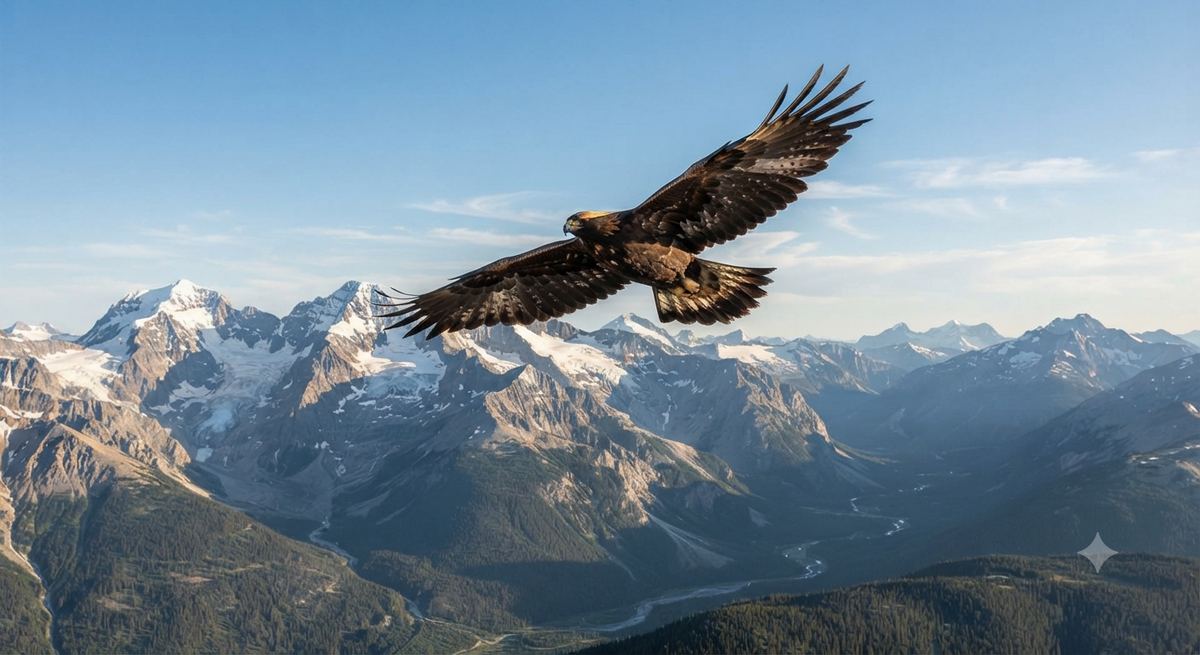
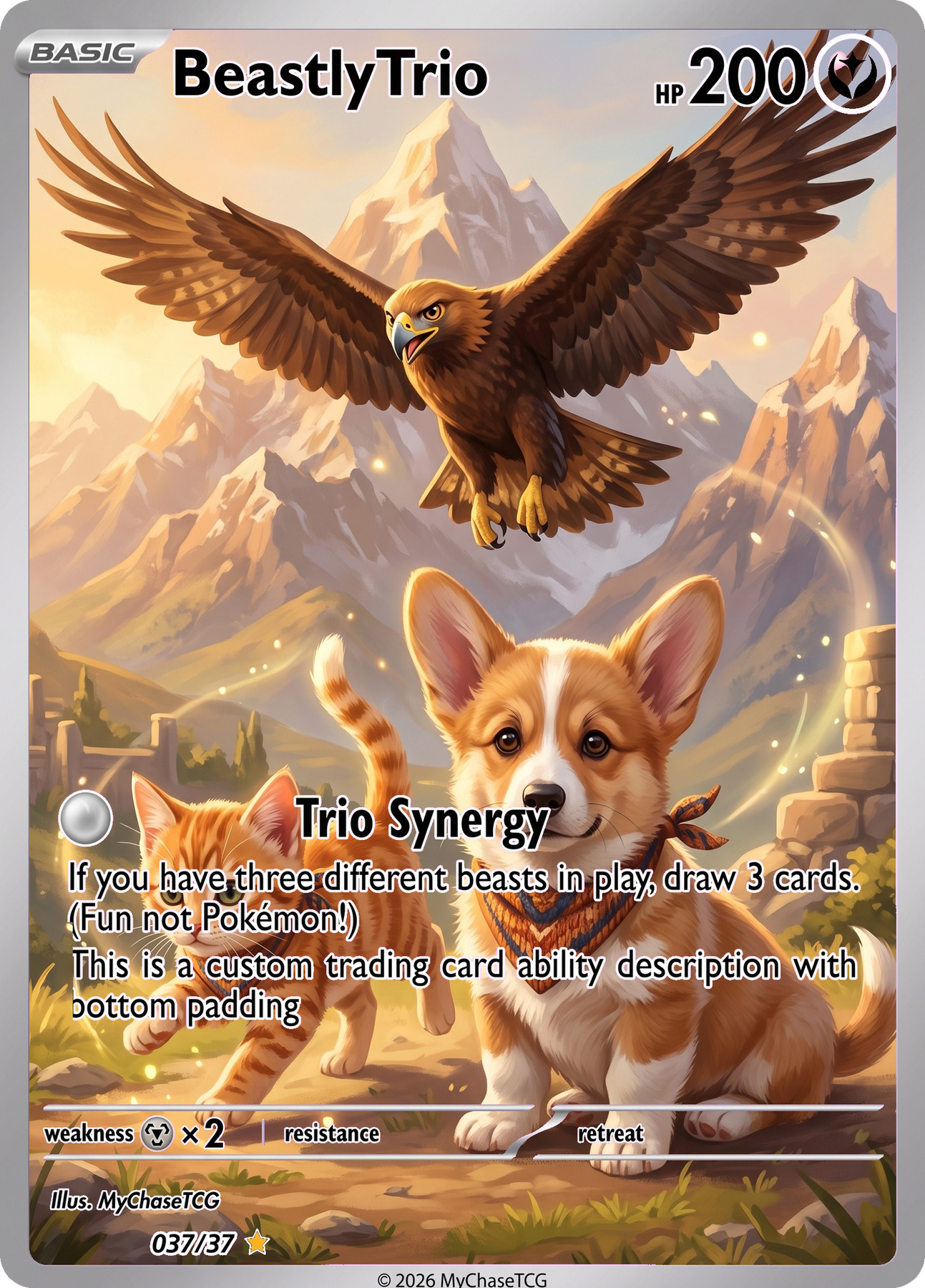
See exactly what you provide and what each photo setup can create.
Swipe or use the arrows to compare every photo setup
Choose how you want your photos transformed into card artwork.
What you'll provideSelect a photo setup to see what to upload.
Try thisWe'll guide you through the uploads in the next steps.
Choose how your illustration looks and how your finished card is presented.
Choose the border and layout around your illustration.
MyChaseTCG Frame 1
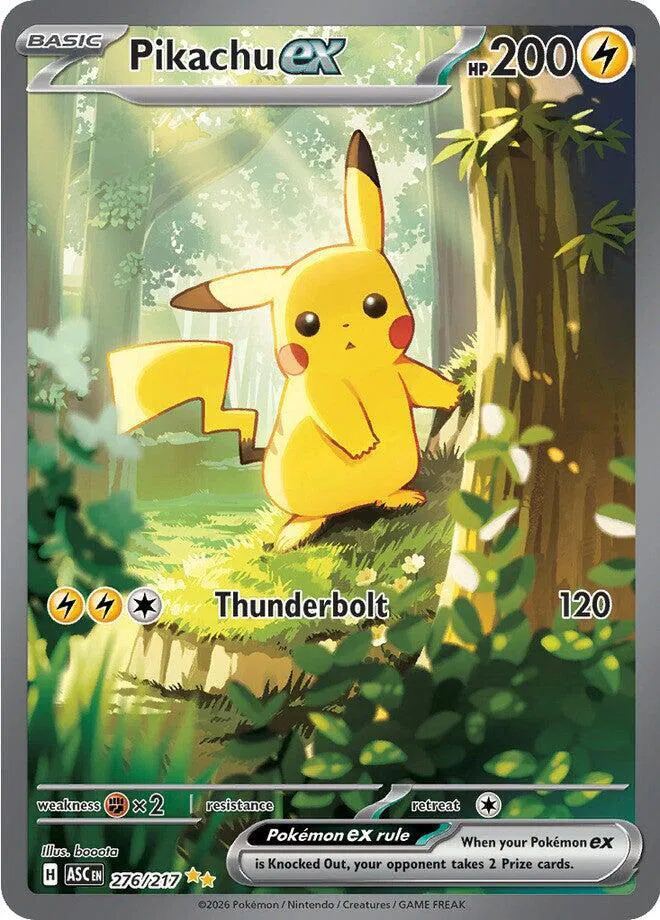
Swipe or use the arrows to see every frame
Use the image cards below to upload or replace the photos for this card.
Choose an occasion or tell us your own idea. We can handle the rest.
You can edit all of these details after your card is generated.
Blank fields are generated by MyChaseTCG.
Use a simple occasion starter, or create the card in your own words.
Set the title, HP, power and illustrator credit.
Enter your message, or choose to have an ability generated for you.
Leave both blank for an auto-generated ability. If you enter your own, complete both fields.
Optional. Add this only when you want extra visual direction beyond the uploaded image.
Describe the adventure, setting or personality you want us to capture. Your idea guides the artwork and card text.
Upload any photo, choose the look you like, then preview your finished card before deciding what to do next.Upload a photo, choose a look, then preview your card.
Compare the photos provided with the finished card, then explore Transform, Scene Swap and Team Up before choosing yours.Compare your photos with the finished card, then choose the setup that fits.